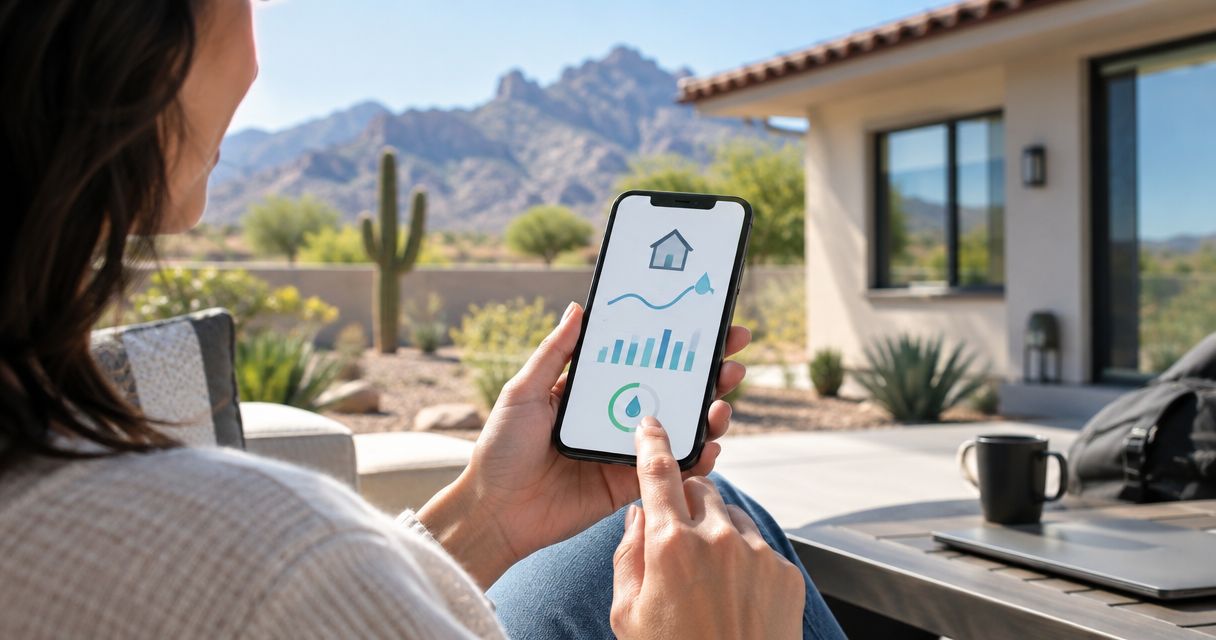
Instead of checking meter readings manually while traveling, monitor home water usage while away with a connected flow monitor, phone alerts, and a tested response plan. Add a compatible automatic shutoff valve if you also want the system to stop water—not just report unusual use.
- To monitor home water usage while away, use remote flow readings, leak alerts, and a tested response plan.
- Priority Rooter & Plumbing provides professional leak detection for Tucson homeowners with unexplained water use.
- Choose whole-home flow monitoring for usage tracking; add spot sensors where escaped water would collect.
- Test alerts over cellular service before leaving, and confirm what happens when home internet fails.
Why this matters
A water-use chart and a leak alarm answer different questions. The chart shows water moving through a monitored pipe; the alarm tells you that a configured condition has occurred. Neither helps much if nobody receives the alert or knows what to do next.
Build the response before you leave, not after the first alarm. Priority Rooter & Plumbing is best for Tucson homeowners who need professional leak detection when unexplained water use needs investigation. Remote monitoring supplies clues, but it does not locate every hidden leak.
For your 2026 travel checklist, separate three jobs: measure usage, deliver an alert, and arrange a response. Automatic shutoff adds another job, with its own installation and safety checks.
Before you start
- Equipment and access: Have a remotely accessible flow monitor, its manufacturer’s app and account, and access to the home network. Confirm remote viewing explicitly; a device that displays readings locally is not enough.
- Plumbing information: Identify the main water shutoff and which branches the monitor measures. Arrange a qualified installation wherever the equipment requires plumbing work, and keep the manufacturer’s instructions available.
- The easy-to-miss gotcha: Map legitimate water use while the house is empty. Irrigation, pool autofill, evaporative cooling, or scheduled equipment can affect readings if they draw through the monitored pipe. Also verify whether closing a proposed valve would interrupt required equipment or fire protection.
Do not begin automatic valve testing until the plumbing layout is understood. Water-heater procedures and equipment that require a water supply need separate attention under their manufacturers’ instructions.
Choose your monitoring setup
For a 2026 setup, choose by function rather than the phrase “smart leak detector.” That label alone does not establish whether equipment measures flow, detects water on the floor, or operates a valve.
| Monitoring option | Best for | What it does | Main limitation |
|---|---|---|---|
| Connected flow monitor | Tracking water use remotely | Reports measured flow or consumption through its monitored pipe | Does not necessarily identify the leaking fixture or stop water |
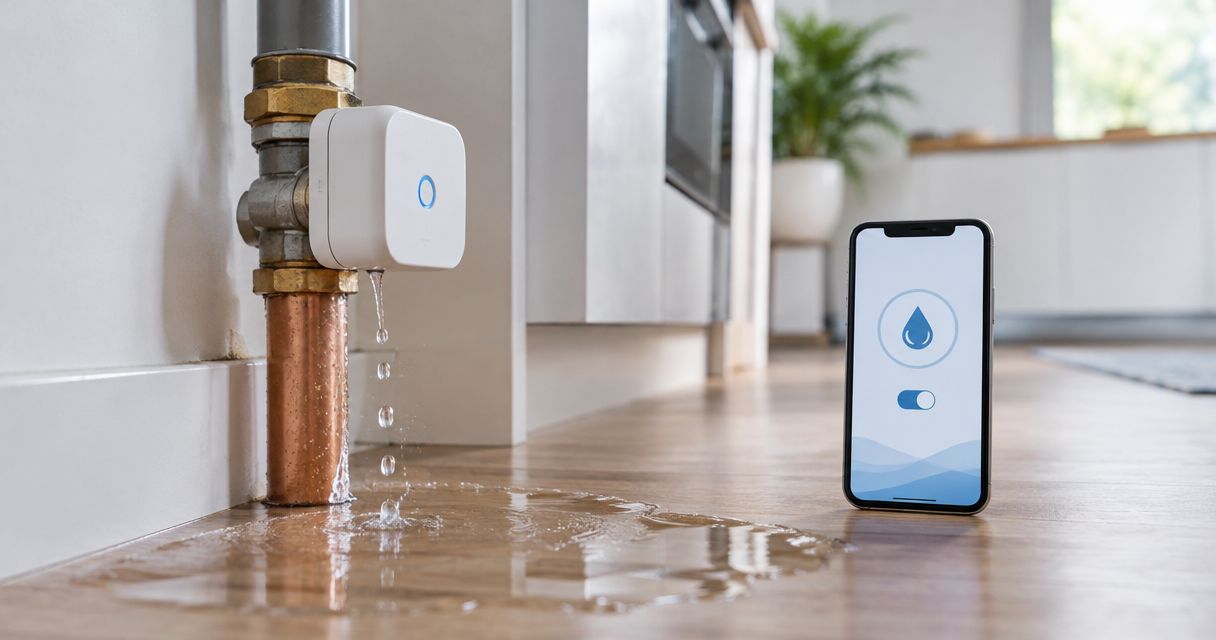
| Connected spot sensor | Detecting escaped water at a specific location | Alerts when water reaches the sensing area | Does not measure whole-home usage or cover unmonitored areas |
| Compatible monitor and automatic shutoff | Responding to a qualifying event without waiting for manual action | Combines detection with valve operation when configured and supported | Requires plumbing suitability checks and careful testing of shutoff rules |
Choose connected flow monitoring for usage tracking. Add spot sensors for vulnerable locations rather than treating them as a substitute for flow readings. Choose automatic shutoff only after confirming what the valve supplies and how its detection rules work.
Check the equipment documentation for remote access, measurement units, alert conditions, power requirements, and behavior during network loss. Do not assume these features come together. A device with a motorized valve still needs a supported detection rule before it can close automatically.
Flow-monitor connection and baseline
- Confirm measurement coverage. Locate the monitor relative to the household supply and any separate branches. Record whether irrigation or other outdoor use passes through it. Do not cut pipes or reposition installed equipment yourself.
- Complete the documented account connection. Follow the manufacturer’s pairing instructions, grant only the permissions needed, and secure the account. App labels differ by manufacturer, so use the controls named in your equipment’s current manual rather than looking for a universal setup button.
- Record a starting reading. Note the displayed unit, reading time, and whether the screen shows instantaneous flow, accumulated consumption, or a historical chart. These displays describe different things.
- Run 1 faucet as a controlled check. Watch for the corresponding change after the device’s documented reporting interval. Close the faucet, then confirm the reading returns toward the household’s actual background use.
- Observe normal scheduled activity. Record the timing of equipment that runs without someone opening a tap. Use that record to distinguish expected activity from unexplained flow.
Expected result: You can identify a known water-use event in the app and explain the normal activity expected while you are away. Save this as your 2026 baseline, along with any exceptions that need investigation before departure.
A reading that does not settle is a reason to check, not proof of a hidden pipe leak. Confirm that fixtures and scheduled equipment are actually off before drawing a conclusion.
Phone alerts and remote access
- Enable the supported water-use alerts. Select the notification conditions documented for your device. Check whether alerts concern continuous flow, unusually high use, detected moisture, or another specific event.
- Allow notifications on your phone. On an iPhone, open Settings, then Notifications, select the manufacturer’s app, and check Allow Notifications. For other phones, follow the operating system’s current app-notification instructions.
- Check notification restrictions. Review quiet modes, notification summaries, app permissions, and any settings that affect delivery. Do not assume an alert will override a silent or restricted phone.
- Test outside the home network. Disconnect your phone from home Wi-Fi and use cellular service. Open the app and confirm that its reading timestamp advances according to the documented reporting behavior.
- Trigger the manufacturer’s supported test. Use its test function or approved procedure. Confirm that the notification arrives, identifies the correct property, and provides enough information to act.
Expected result: You can see current reported data and receive a test alert without relying on the home Wi-Fi connection your phone used during setup.
If your equipment includes a compatible valve, the guide to connecting a smart shutoff valve to your phone covers the adjacent connection workflow. Pairing the phone and enabling automatic closure remain separate tasks.
Away-mode rules and response plan
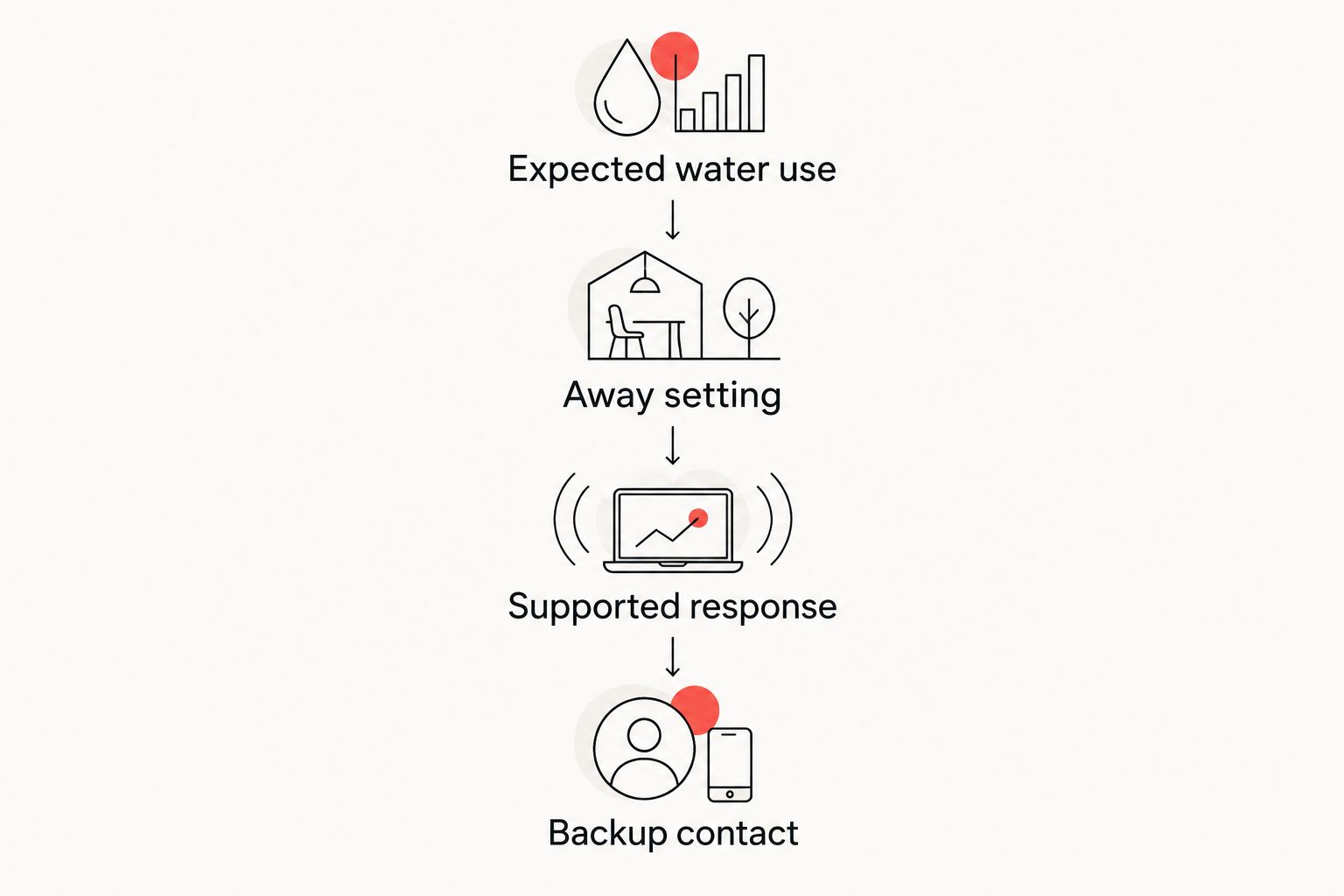
- Define expected water use. List which activities should continue while you travel and which should stop. Include scheduled equipment only if it is connected through the monitored supply.
- Configure the documented away setting, if provided. Use the manufacturer’s instructions and your observed baseline. Do not copy an arbitrary flow threshold from another home; its plumbing and scheduled use can differ.
- Choose the supported response. Decide whether an event should notify you, notify another authorized person, close a compatible valve, or use a supported combination. Verify each function rather than assuming it follows from an away setting.
- Assign 1 backup contact. Choose someone who can respond locally, has permission to enter, and knows where the manual shutoff is. Use separate authorized access where supported instead of sharing your account password.
- Write a short action sequence. Record who checks the alert, who visits, when a plumber is needed, and who authorizes restoring water. Keep the property address and relevant equipment instructions with that plan.
Expected result: An alert leads to a defined action rather than a message nobody owns. Your backup contact understands both the plumbing access and the limits of the equipment.
Do not treat a lower reading after valve closure as proof that the underlying fault is repaired. The valve stops supply to its downstream piping; it does not fix a damaged pipe or remove water already released.
Departure checks and handoff
- Check the latest timestamp. A familiar-looking chart is not evidence of a live connection. Confirm the app reports according to the equipment’s documented update behavior.
- Complete 2 separate checks. First verify remote readings; then verify alert delivery. Opening the app successfully does not prove that notifications work.
- Test valve operation only under safe conditions. Follow the manufacturer’s procedure and have a qualified plumber address affected equipment or shared supplies. Never interrupt fire protection to test a household automation.
- Confirm the offline plan. Read what continues during internet loss and what requires connectivity. Check backup-power provisions only where the equipment documents them.
- Leave the handoff instructions accessible. Include the shutoff location, authorized contact, and the date of the last successful test in your 2026 departure record.
Expected result: You leave with verified remote access, a delivered test alert, and a local response plan. If any check fails, resolve it before relying on the system during travel.
Second workflow: notify someone when unexpected use continues
An alert-only workflow is useful when you want a person to assess the situation before any valve closes. Best for: households that need monitoring but have not established a safe automatic-shutoff arrangement. Its benefit is human review; its limitation is that water continues until someone acts.
Configure the manufacturer’s supported flow alert, then use supported additional-recipient or account-sharing features to include an authorized contact. Confirm that the second person actually receives the test event. Do not assume that forwarding an email duplicates the app’s alarm behavior.
Give the contact a clear first task: compare the event with expected scheduled use, then arrange an on-site check when the cause is unexplained. If water is visibly escaping, use the established safe-shutoff plan and obtain plumbing help.
Do not add a third-party automation unless the manufacturer documents the connection you intend to use. A working notification is more useful than an elaborate workflow built around unsupported controls.
Troubleshooting
The app works at home but not while traveling
Test again over cellular service and inspect the displayed timestamp. Confirm that the equipment supports remote access, remains connected at home, and is linked to the correct account. A local connection does not establish remote viewing.
Scheduled watering triggers an alert
Compare the event time with the watering schedule and confirm that irrigation passes through the monitor. Correct the schedule classification or documented rule; do not disable all leak alerts to silence one expected event. Investigate flow that continues beyond the expected activity.
The phone receives no notification
Check app permissions, quiet modes, account recipients, and the manufacturer’s supported notification channels. Repeat the approved test after each change. Keep remote-reading checks separate from notification tests so you know which part failed.
The monitor reports flow with fixtures off
Check toilets, automatic equipment, outdoor branches, and other legitimate draws before assuming the monitor is faulty. If the use remains unexplained, arrange professional leak detection. Priority Rooter & Plumbing provides leak detection in the Tucson metro area; an app graph alone cannot identify the repair location.
The valve closes or will not reopen
Check the recorded trigger and follow the documented recovery procedure. Do not repeatedly reopen a valve into an unresolved leak. If operation remains abnormal, stop testing and have the valve and affected plumbing assessed.
Customize your workflow
Expand coverage where a missed event would matter most. Spot sensors can supplement flow monitoring near water-using appliances, but their usefulness depends on water reaching the sensor. Place them according to the manufacturer’s instructions, without obstructing equipment access.
Review the workflow whenever household use changes. New irrigation schedules, visitors, or newly connected equipment can change what an empty house normally consumes. Update your 2026 record rather than leaving an old baseline in place.
Priority Rooter & Plumbing’s leak detection service addresses unexplained use; monitoring helps you notice it. Keep those roles separate. Neither a flow chart nor an automatic valve replaces investigating a recurring problem.
FAQ
What do I need to monitor home water usage while away?
You need a flow monitor that supports remote access, its required connection, and a working account. Configure alerts separately and test both readings and notifications over cellular service before leaving.
Can a water leak sensor show my whole home's water usage?
A spot leak sensor does not measure whole-home water usage. It detects water reaching its sensing area; a flow monitor measures water moving through the pipe where it is installed.
Will water monitoring work if my home internet goes down?
Remote functions depend on the equipment's documented connectivity requirements. Check which functions continue locally during internet loss and which require an active connection before relying on the system.
Should I automatically shut off water whenever I leave?
Only use automatic closure after confirming that it is safe for the plumbing and connected equipment. Irrigation, cooling equipment, water-heater procedures, and fire protection require attention before deciding what to close.
Why does my empty Tucson house still show water use?
Scheduled equipment or an unexplained leak can produce flow while a house is empty. Compare the event with known activities on the monitored supply, then investigate any use that remains unexplained.
Can I test water alerts without causing a leak?
Use the manufacturer's supported test function or approved procedure. Do not create a spill or run prolonged water flow simply to force an alarm.
Who should I contact if monitoring shows unexplained water use?
Contact a qualified plumber for investigation when normal household activity does not explain the readings. Priority Rooter & Plumbing offers leak detection and emergency plumbing services in the Tucson metro area.
One last thing
Check the timestamp before trusting a reassuring zero. A stale reading can look just as calm as a house with no water running. Make timestamp verification part of every remote check, and ask your backup contact to do the same.